





These AI Coding Assistants Write Better Code Than You’d Expect

For years, developers have searched for one thing: less time debugging and more time building.

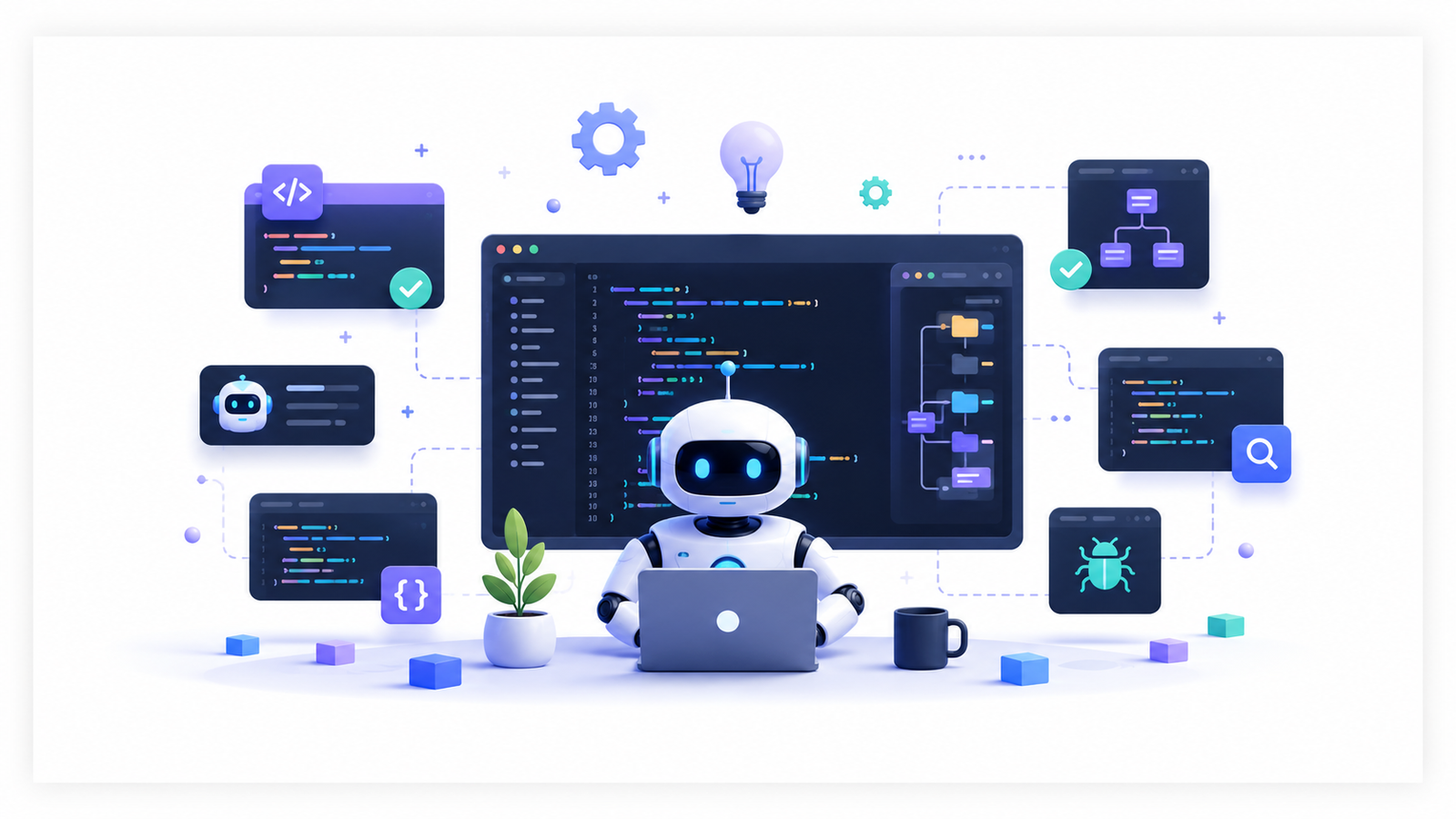
AI coding assistants promised exactly that. Yet, while GitHub Copilot and ChatGPT dominate conversations, they’re only part of a much bigger story. A new generation of AI-powered coding tools is quietly helping developers write cleaner code, understand unfamiliar repositories, generate tests, explain bugs, and even refactor entire projects with remarkable accuracy.

The most interesting part? Some of the best AI coding assistants aren’t the ones making headlines.

If you’re looking to improve your workflow, these seven underrated tools deserve a place in your development toolkit.

1. Cursor

Cursor has quickly earned a loyal following among developers who want AI built directly into their editor instead of switching between multiple applications.

Unlike traditional autocomplete tools, Cursor understands your entire codebase. It can explain existing functions, generate new features, refactor complex logic, and even answer questions about files spread across your project.

Its ability to maintain context across large repositories makes it especially useful for enterprise projects where understanding existing architecture often takes longer than writing new code.

Best for: Full-stack developers working with large projects.

2. Continue

Continue is an open-source AI coding assistant that integrates seamlessly with Visual Studio Code and JetBrains IDEs.

What makes it different is flexibility. Developers aren’t locked into one AI model. Instead, Continue lets users connect multiple large language models, including local models for organizations with strict privacy requirements.

This makes it a practical option for teams handling sensitive codebases while still benefiting from AI-assisted development.

Best for: Developers who value customization and privacy.

3. Codeium

Many developers discover Codeium while looking for a free alternative to premium coding assistants—and end up staying because of its impressive capabilities.

Beyond intelligent code completion, Codeium offers AI-powered chat, documentation generation, code explanation, and rapid code search.

It supports dozens of programming languages, making it suitable for developers who frequently switch between different technology stacks.

Best for: Freelancers and developers working across multiple languages.

4. Tabnine

Tabnine has quietly evolved into one of the most mature AI coding assistants available today.

Rather than relying solely on public code, it focuses on generating context-aware suggestions that align with your team’s coding style. Organizations can even train Tabnine using their own repositories, producing recommendations tailored to internal standards.

Its emphasis on enterprise security has also made it increasingly popular among larger software companies.

Best for: Development teams with shared coding standards.

5. PearAI

PearAI is an open-source AI-powered development environment designed to keep everything developers need in one workspace.

It combines AI chat, code generation, debugging assistance, and project understanding inside a single interface. Instead of acting as just another autocomplete engine, PearAI aims to become an intelligent development partner that understands the broader context of your application.

Its open-source approach has attracted developers looking for greater transparency and control.

Best for: Developers interested in community-driven AI tools.

6. Cody by Sourcegraph

Finding the right piece of code inside massive repositories is often harder than writing new features.

That’s where Cody excels.

Built by Sourcegraph, Cody searches across entire codebases using AI, helping developers understand unfamiliar projects, locate dependencies, explain complex functions, and generate new implementations using repository-wide context.

For engineering teams maintaining legacy applications, this capability can significantly reduce onboarding time.

Best for: Enterprise engineering teams and legacy software projects.

7. Aider

Aider approaches AI-assisted programming differently.

Instead of operating entirely inside an editor, it works directly from the terminal, allowing developers to edit files through conversational prompts while automatically tracking changes with Git.

Developers can request new features, fix bugs, refactor functions, or update documentation using natural language, making Aider particularly appealing to command-line enthusiasts.

Its Git-first workflow also makes every AI-generated change transparent and easy to review.

Best for: Terminal-first developers and open-source contributors.

Choosing the Right AI Coding Assistant

No single tool is perfect for every developer.

Some assistants excel at autocomplete, while others specialize in understanding large repositories, generating documentation, debugging complex issues, or maintaining enterprise-grade security. The right choice depends less on popularity and more on your workflow.

If you’re working independently, tools like Cursor or Codeium can dramatically accelerate development. Teams managing sensitive codebases may prefer Continue or Tabnine, while enterprise organizations often benefit from Cody’s repository-wide intelligence. Developers who enjoy working from the command line may find Aider fits naturally into their existing process.

The encouraging trend is that AI coding assistants are becoming increasingly specialized, giving developers more meaningful choices than ever before.

Final Thoughts

The conversation around AI coding often revolves around the biggest names in the industry, but innovation is happening well beyond the mainstream.

Tools like Cursor, Continue, Codeium, Tabnine, PearAI, Cody, and Aider demonstrate that modern AI development is no longer limited to code completion. These assistants can understand architecture, explain unfamiliar logic, automate repetitive tasks, and help developers navigate increasingly complex software projects with greater confidence.

As AI continues to reshape software development, the developers who gain the biggest advantage may not be the ones using the most popular assistant—they’ll be the ones choosing the assistant that best complements how they build software.

Whether you’re building side projects, contributing to open source, or maintaining enterprise applications, exploring these underrated AI coding assistants could be one of the simplest ways to write better code, faster.

Vansh Banthia
We will be happy to hear your thoughts

Leave a reply

ToolsMetric
Logo
Compare items
  • Total (0)
Compare
0