GitHub Copilot vs Cursor vs Windsurf: Which AI Coding Assistant Will Make You a Better Developer?
 Vansh Banthia
Writing code has changed dramatically over the past few years. Developers no longer spend countless hours searching Stack Overflow, reading documentation, or writing repetitive boilerplate code from scratch. Instead, a new generation of AI coding assistants has transformed the development experience by acting as intelligent collaborators that understand context, suggest solutions, and even help solve complex programming challenges.
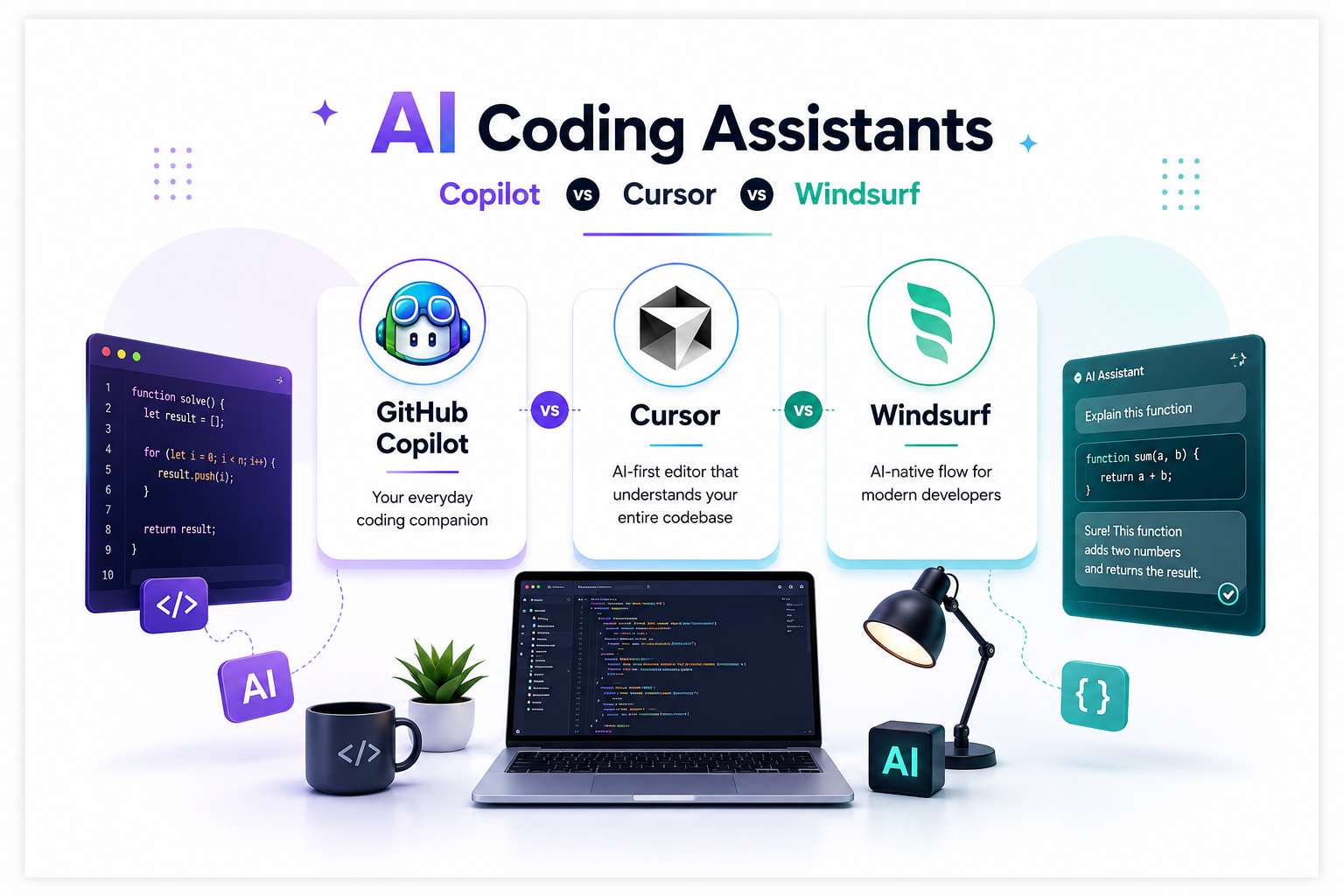
Among the growing list of AI-powered development tools, three names consistently stand out: GitHub Copilot, Cursor, and Windsurf. Each promises to boost productivity, improve code quality, and reduce development time, but they take very different approaches to achieving those goals. Choosing between them isn’t simply about selecting the most popular tool—it’s about finding the assistant that complements the way you think, build, and solve problems.
This comparison explores what makes each platform unique and helps you decide which one deserves a permanent place in your development workflow.
The Rise of AI Coding Assistants
Software development has evolved beyond writing lines of code. Modern developers spend a significant portion of their day reviewing pull requests, understanding unfamiliar codebases, fixing bugs, reading documentation, and collaborating with teams. These activities are essential, but they also consume valuable time that could be spent building new features.
This is where AI coding assistants make the biggest difference. Instead of functioning as advanced autocomplete tools, they understand programming intent, generate complete functions, explain existing code, suggest improvements, detect potential issues, and help developers navigate complex projects without constantly switching between applications. They reduce cognitive load, allowing developers to focus on solving real problems rather than repetitive tasks.
GitHub Copilot: The Trusted Productivity Companion
GitHub Copilot has become one of the most recognizable names in AI-assisted programming. Developed through a collaboration between GitHub and OpenAI, it integrates naturally with popular development environments, making adoption incredibly easy for both beginners and experienced developers.
Its greatest strength lies in its ability to predict what you’re about to write. As you code, it generates intelligent suggestions ranging from single lines to entire functions, often completing repetitive implementations before you’ve finished typing. For developers who already work extensively within GitHub’s ecosystem, Copilot feels like a natural extension of their existing workflow.
Rather than interrupting your coding process, GitHub Copilot quietly works alongside you, accelerating routine development without demanding a completely new way of working. It performs particularly well when writing standard application logic, generating test cases, creating documentation, or implementing familiar programming patterns.
While it excels at everyday coding tasks, Copilot sometimes struggles when dealing with extremely large projects where understanding the broader architecture becomes essential. It provides excellent suggestions but occasionally requires additional guidance for more complex engineering decisions.
Cursor: Designed Around AI From the Ground Up
Cursor approaches software development from a completely different perspective. Instead of adding AI into an existing editor, it rebuilds the coding experience around artificial intelligence itself. The result feels less like using an IDE with AI features and more like collaborating with another experienced engineer.
One of Cursor’s defining strengths is its understanding of an entire project rather than just the file currently open. Developers can ask questions about their codebase, request explanations for unfamiliar modules, generate new features using natural language, or refactor multiple files simultaneously. This broader awareness makes Cursor especially valuable for large applications where understanding context matters as much as writing code.
Developers working with complex repositories often appreciate how Cursor reduces the time spent searching through files or tracing dependencies. Instead of manually locating functions across hundreds of files, they can simply ask the assistant where something lives or how different components interact.
The transition into Cursor may require a brief adjustment period since its workflow differs from traditional development environments, but many developers find that the productivity gains quickly outweigh the learning curve.
Windsurf: A New Generation of AI-Native Development
Although newer than its competitors, Windsurf has attracted considerable attention for delivering an AI-first development experience that feels remarkably natural. Rather than focusing solely on generating code, Windsurf emphasizes maintaining flow throughout the software development process.
Its conversational approach allows developers to move seamlessly between planning, implementation, debugging, and refinement without losing context. The assistant remembers previous interactions, understands project structure, and continues building upon earlier conversations, making development feel less fragmented.
This continuous understanding creates an experience where AI becomes an active participant in the creative process rather than simply responding to isolated prompts. Developers who enjoy brainstorming solutions, experimenting with architectures, or rapidly prototyping ideas often find Windsurf particularly engaging.
While Windsurf continues to mature as a platform, its AI-native philosophy represents where many believe software development is heading. Enterprise organizations may still prefer more established ecosystems, but developers looking for cutting-edge workflows often find Windsurf refreshingly innovative.
Which AI Coding Assistant Fits Your Workflow?
The best AI coding assistants are not necessarily the ones with the most features—they’re the ones that complement your personal development style.
If your goal is reliable code completion within familiar development tools, GitHub Copilot remains one of the strongest choices available. Its seamless integration, mature ecosystem, and dependable suggestions make it an excellent everyday companion for developers across nearly every programming language.
If your projects involve navigating massive repositories, maintaining legacy applications, or performing large-scale refactoring, Cursor offers a deeper level of project understanding. Its ability to analyze entire codebases transforms AI from a helpful autocomplete engine into a knowledgeable programming partner.
For developers who enjoy pushing the boundaries of AI-assisted programming, Windsurf delivers one of the most fluid experiences available today. Its conversational workflow, contextual awareness, and emphasis on maintaining development momentum make coding feel significantly more collaborative.
Ultimately, there is no universal winner because every development team has different priorities. A solo developer building side projects may value conversational coding, while an enterprise engineering team might prioritize reliability and integration with existing workflows.
The Future of AI-Assisted Development
The conversation surrounding AI coding assistants is no longer about whether developers should use them. Instead, it has shifted toward determining which assistant best supports different stages of the software development lifecycle.
These tools continue to evolve rapidly, becoming increasingly capable of understanding architecture, suggesting design improvements, identifying security vulnerabilities, and assisting with technical decision-making. As they mature, developers will spend less time performing repetitive implementation work and more time focusing on creativity, problem-solving, and product innovation.
Rather than replacing developers, AI coding assistants are enhancing the way developers work. They remove friction, reduce context switching, and enable engineers to remain focused on building better software.
Final Thoughts
GitHub Copilot, Cursor, and Windsurf each represent a different vision of AI-assisted programming. GitHub Copilot excels at accelerating everyday coding through intelligent suggestions and seamless integration. Cursor stands out with its exceptional understanding of entire codebases and its ability to support large-scale development projects. Windsurf introduces an AI-native workflow that makes software development feel conversational, intuitive, and remarkably fluid.
The right choice depends less on which platform is objectively “best” and more on how you approach development every day. Whether you prioritize familiarity, deep project awareness, or next-generation AI collaboration, today’s AI coding assistants have reached a point where they can genuinely improve productivity without compromising creativity.
As AI continues reshaping software engineering, one thing is becoming increasingly clear: the future belongs to developers who learn to collaborate with intelligent tools rather than compete against them. The sooner you find the assistant that matches your workflow, the sooner you’ll discover just how much more enjoyable modern software development can become.